
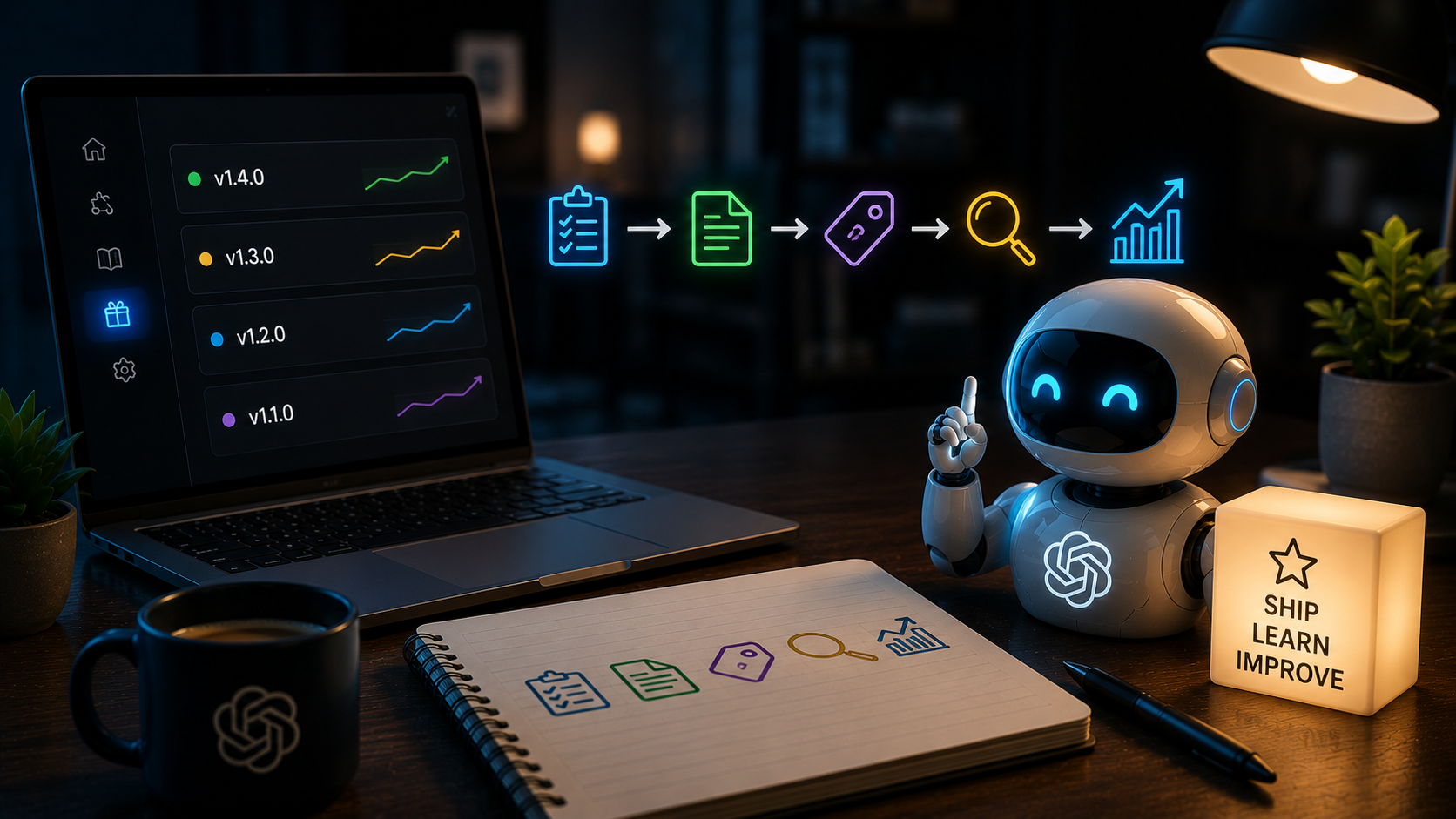
A business can change an AI assistant without changing a line of customer-facing copy. Swap a model. Add a source. Tighten a prompt. Move an approval gate. Reorder two steps in a workflow. From the team’s perspective, it may feel like a small improvement. From the customer’s perspective, the company may have started giving a different answer.
That is why AI workflow versioning matters. Once an assistant helps qualify leads, answer website questions, draft client work, or trigger a business process, its workflow is part of the service. It deserves the same care as a product release: a clear version, a plain-language change note, a way to compare behaviour, and a way back if the change is wrong.
When an AI change becomes a customer change
Teams often think of AI changes as internal tuning. That is understandable. A prompt is easy to edit; a model setting can look like infrastructure; a new knowledge source can be added in minutes. But these are not neutral technical details when the system meets a customer.
Imagine a website assistant that used to answer product questions from approved public documentation. Someone adds a new source, changes the instruction to be more proactive, and gives the assistant permission to book a meeting. It now speaks with a different level of certainty, asks for different information, and creates a new expectation about what happens next. That is a release, whether or not the team calls it one.
The same applies inside the company. A workflow that once created a draft may now send a message after a light review. A research agent that used one trusted source may now compare five. Each change can improve the outcome. It can also widen the surface area for a wrong answer, a privacy mistake, an unexpected cost, or a lost handoff.
AI workflow versioning makes change discussable
Versioning is not bureaucracy for its own sake. It gives a team a shared way to answer a simple question: what changed, and what should behave differently because of it?
A useful version does not need a long engineering document. For a customer-facing workflow, a short release card is enough:
- What changed: the prompt, model, source set, tool, rule, or workflow branch.
- Why it changed: the customer or operator problem it is intended to solve.
- What remains unchanged: the data boundary, approval requirement, or actions the assistant still cannot take.
- How success will be checked: a small set of real cases, a review sample, or a measurable service outcome.
- Who can roll it back: one named person and a clear previous version.
Notice what is missing: a demand for perfect prediction. AI systems will still surprise us. The point is to make each change legible enough that a surprise can be traced, discussed, and reversed without guesswork.
Do not test a new workflow on your most important conversation
The quickest way to lose trust is to treat live customer conversations as a test environment. A new version should earn the right to handle higher-stakes work.
Start with a small, representative set of past situations. For a website assistant, that might include a straightforward product question, a request that should be handed to sales, a question with out-of-date information, and a request involving personal or contractual detail. Run the old and new versions against the same cases. Look beyond whether the new answer sounds better. Did it stay inside the approved knowledge? Did it make its boundary clear? Did it preserve the right context for a human?
Then introduce the change in a narrow lane. Perhaps the new workflow only handles one product line, business hours, or draft-only replies at first. This is not timid deployment. It is how a small team learns quickly without asking customers to absorb every experiment.
The visual workflow is the release note people can inspect
AI changes are especially hard to review when the logic is buried across prompts, settings, integrations, and someone’s memory. A visual workflow brings the change into the open. People can see the source branch that was added, the tool permission that changed, the validator that runs before an action, and the human checkpoint that remains in place.
This is the practical value of visual orchestration. In meLink avo, a workflow can be treated as an operating asset rather than an opaque bundle of instructions. The team can compare a proposed path with the one it replaces, dry-run it, and make approval points visible before the change reaches a live conversation.
That matters to more than technical teams. A sales lead can check that a new assistant will still route custom terms to a person. An operations owner can see that a new source is limited to internal drafts. A founder can ask the essential question: if this version fails, what exactly will we turn back on?
A release habit is a trust habit
There is a deeper reason to make this routine. Businesses do not earn trust by claiming that their AI is always right. They earn it by showing that change is intentional, bounded, and accountable.
That is good product practice, but it is also good investor practice. A company that can explain how its agents change has something more valuable than a clever demo: an operating discipline. It can improve rapidly without turning every improvement into an uncontrolled bet on customers, staff, or sensitive information.
For small teams, the habit can begin today. Before changing one customer-facing AI workflow, write five lines: the version name, what is changing, why, how you will check it, and how you will revert it. Keep the note next to the workflow, not buried in a chat thread. Review it after a week of real use.
AI moves fast. Trust moves at the speed of a clear record.
Every useful AI assistant will change. The question is whether those changes arrive as invisible drift or as deliberate releases that people can understand. Version the workflow. Make the boundary visible. Keep a way back. That is how automation stays human-first as it gets more capable.


Leave a Reply